Activate Apple CarPlay in your BMW in minutes, quick and easy.
Activate Apple CarPlay in your BMW the easy way. Our solution is quick and easy to perform, requires no coding experience, and only needs a laptop and an OBD-ENET cable. For some models, a simple USB flash drive is all that’s required. Once activated, Apple CarPlay works exactly like a factory-installed system, with full functionality and seamless integration.
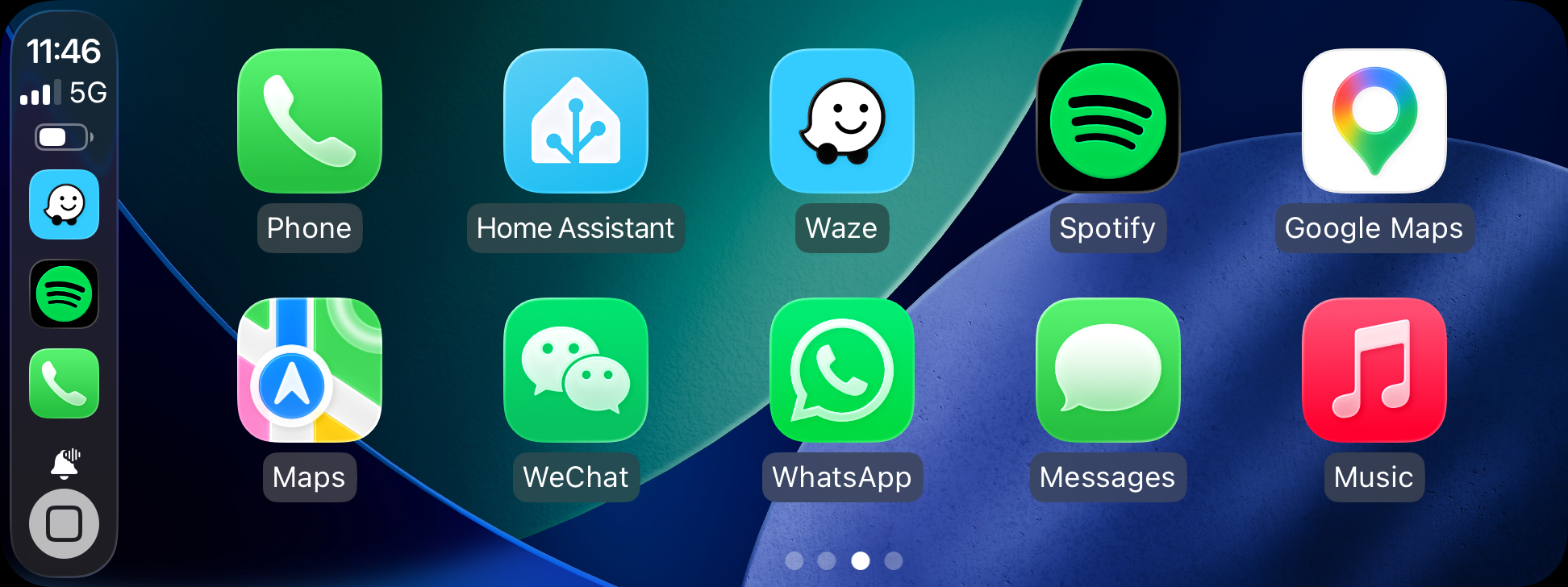
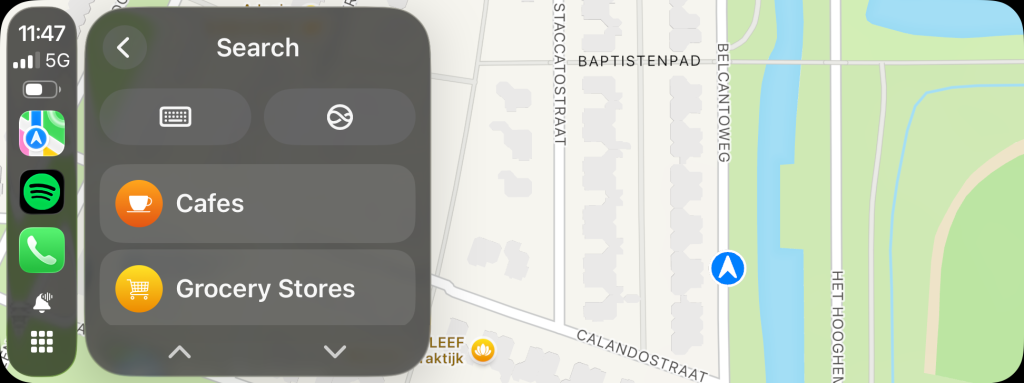
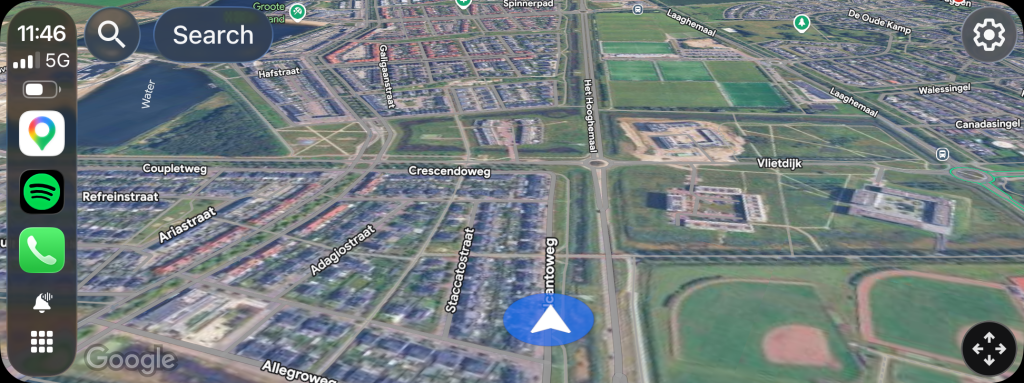
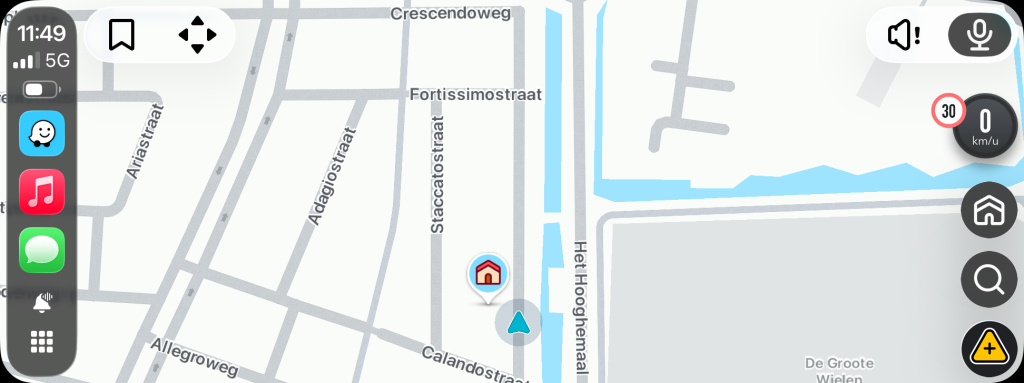
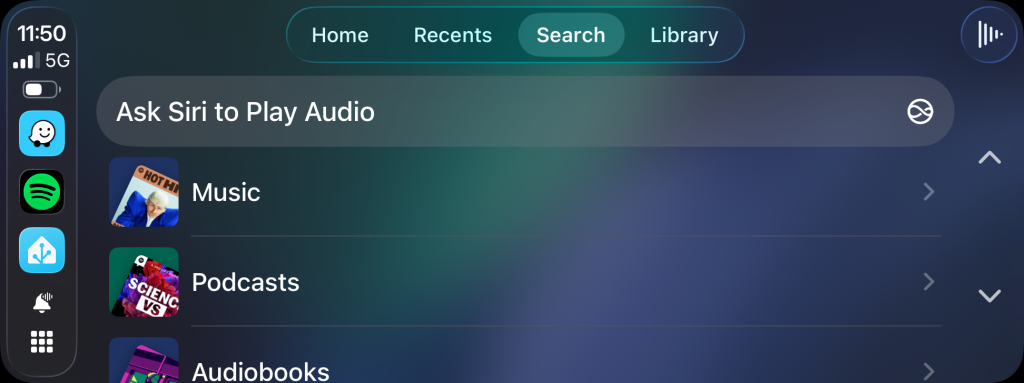
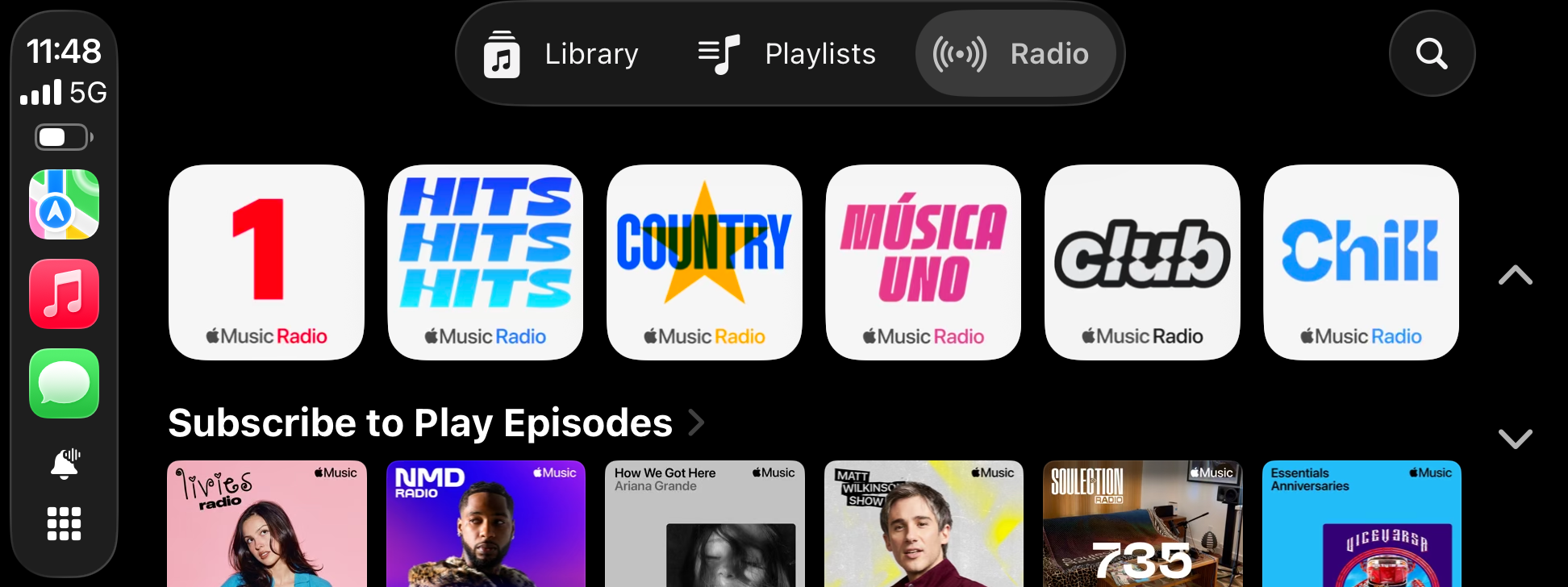
Seamless integration with your favorite iPhone application




Pre-coded CarPlay activation tool.
After purchase, you will receive our CarPlay activation tool that is pre-coded (VIN-specific) for your BMW, ensuring a quick and straightforward activation process. Simply download the tool, connect your laptop, and follow the instructions. No coding experience or additional configuration is required. Our solution is fast, safe, and tailored specifically to your BMW.
BMW EVO ID5/6
Compatible with the BMW EVO ID5/6 iDrive system. Maintaining full stability and preserving all original system functions. Apple CarPlay is seamlessly integrated into the original BMW menu structure, appearing exactly as factory-equipped for a fully native user experience.
BMW WAY ID6
Compatible with the WAY ID6 system (EntryNav2 / ENAVEVO). Fully stable and fully preserves all original BMW functions. Apple CarPlay is seamlessly integrated into the factory BMW menu for a true OEM-like experience.
FULLSCREEN CARPLAY
Enable fullscreen Apple CarPlay on BMW vehicles equipped with EVO and WAY systems (EntryNav2 / ENAVEVO) that already feature split-screen CarPlay. This upgrade unlocks the full display for a cleaner, more modern and immersive interface, enhancing usability and driving comfort while fully preserving OEM system functionality.

VIDEO IN MOTION
The Video in Motion (VIM) feature can be included with any Apple CarPlay activation. This upgrade enables video playback while driving for content that is already supported by the system but restricted by a factory speed lock. It is designed for the front passenger, allowing uninterrupted video entertainment during long journeys for a more comfortable and enjoyable travel experience.
SCREEN MIRRORING
For BMW EVO ID5/6 systems, Android screenmirroring can be added to mirror your Android smartphone on the iDrive screen. This allows you to use any app from your Android device, including YouTube, TV apps, and more, directly on your BMW display.
Please note: this is not Android Auto. As Android Auto is not supported on EVO ID5/6 systems, screenmirroring offers a simple alternative to enjoy full Android content on your factory BMW display. This feature is not supported on the WAY (EntryNav2 / ENAVEVO) system.
NAVIGATION UPDATE
We provide map updates for BMW navigation systems. This service can be performed as a standalone update or combined with Apple CarPlay activation for a complete infotainment enhancement.
Map updates are available for all BMW navigation systems, including EVO, WAY, LIVE and JOY. In addition, we also support previous generations such as NEXT, PREMIUM, MOVE and MOTION, ensuring wide compatibility across multiple BMW generations.
Enjoy improved route accuracy, updated roads, and enhanced navigation performance for a more reliable driving experience.
Based in Central Europe
We proudly support customers worldwide
We have over 10 years of experience in coding and software solutions for BMW and MINI vehicles. We are easily reachable via WhatsApp for fast and convenient support. When required, we can also provide remote assistance using remote-access software such as UltraViewer, allowing us to diagnose issues and perform software-related services remotely.
Customer satisfaction is at the core of everything we do. Whether you have a question, need technical assistance or require support, we are always available to help.
See how our customers rate us on Google below:

Pma Van Den Heuvel
Google review

Ordered a navigation update for BMW X3M Competition. Delivered quickly and came with instructions.

I. M
Google review
Fast, simple, and clear. Communication via WhatsApp was smooth, ordering was easy, and delivery was within a few hours. Great service!

y0uzi
Google review
Performed Apple CarPlay for me. What top service, friendly and helpful! Everything was handled neatly and quickly. Highly recommended; thanks for the great service!

Wekkel Ekkel
Google review
Delivered quickly and the instructions are clear. Fullscreen CarPlay on the iDrive 6 within a few minutes. A satisfied customer.

Chili Palmer
Google review
Apple CarPlay activated, very happy with it and so super simple. Should have done it much sooner, the convenience of always up-to-date navigation and music quality is much better by using Wi-Fi instead of Bluetooth. A perfect 10/10.

Yorick Streefland
Google review
The service was fast and good. Everything worked as promised, and communication was smooth. Highly recommended!

Martin Lako
Google review
Apple CarPlay activated on my BMW F31. Excellent and outstanding service. I installed the antenna myself and everything works flawlessly. Highly recommended.

Ismail Empinoza
Google review
I ordered CarPlay and a map update for my 430i F36 model. Any questions I had were answered quickly via WhatsApp. You receive clear, step-by-step instructions via email; as long as you follow them carefully, everything goes smoothly. CarPlay works perfectly. Thanks for the great service! highly recommended, and at a fair price.

Oktay Simsek
Google review
I am extremely satisfied. I purchased the CarPlay activation and the necessary components from them, which I then installed and fitted myself. Everything went perfectly, and I am very happy with the result.